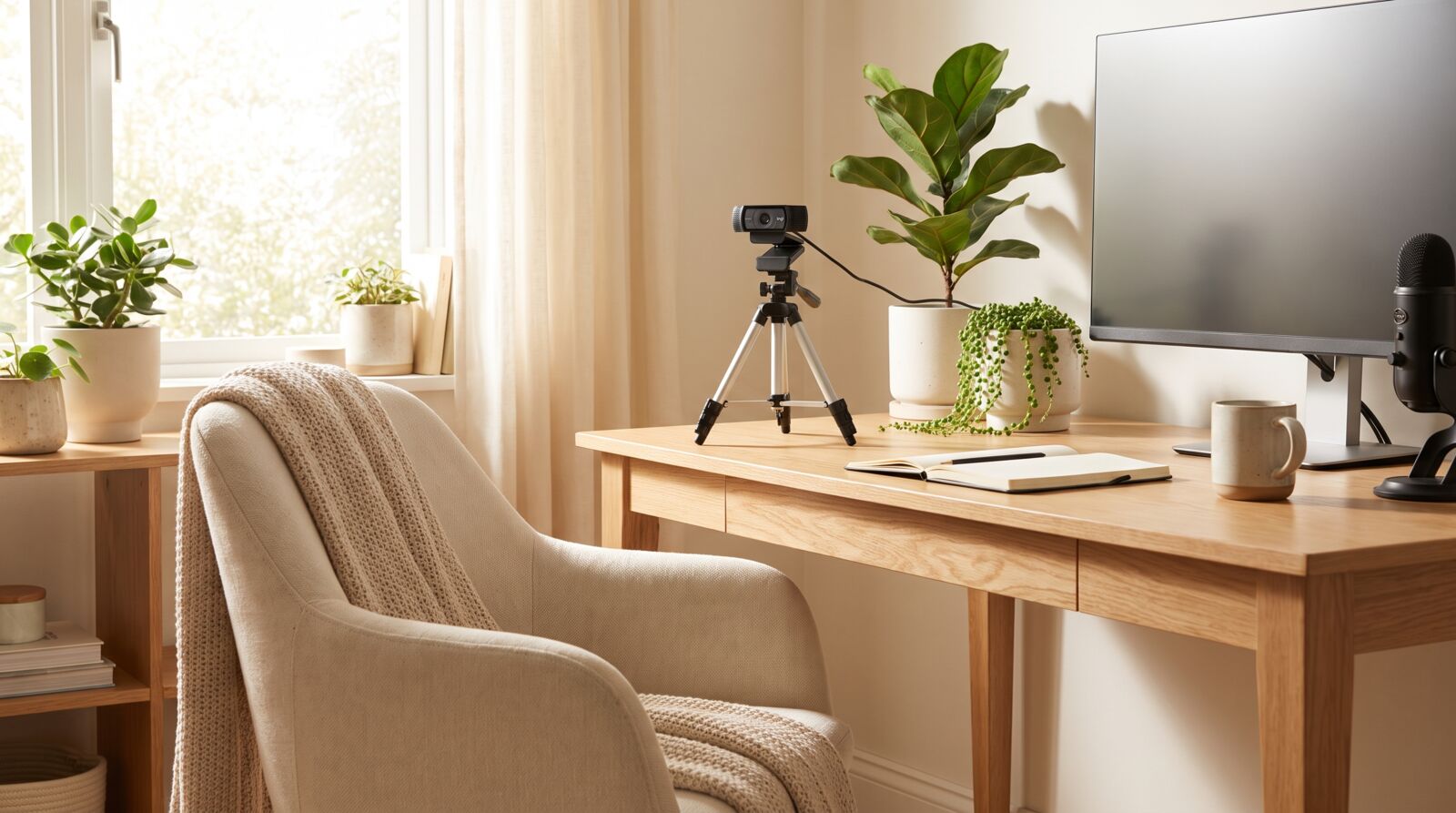
Make your PC camera look its best on every call
From hidden webcam settings to lighting tricks that cost nothing — clear, tested guides for video calls, streaming and recording, without the jargon.
Have a camera question we missed?
Tell us what you are trying to do — fix a blurry image, pick settings for a call, or set up a recording space — and we will point you to the right guide or write one.
- Every question gets a real answer, not a link dump
- We test on cheap and expensive webcams alike
- New guides are often born from reader questions
Your question
Reply within a few days
What we cover
Four core topics that cover most PC camera problems and upgrades.
Webcam settings explained
Exposure, white balance, focus and frame rate — what each slider actually does.
Video call quality
Look sharp on Zoom, Teams and Meet without buying new gear.
Lighting for your webcam
Window tricks, cheap lamps and placement that transforms your image.
Recording setup
Frame, background and audio tips for clean videos and tutorials.
How we test and write
Every guide follows the same three rules.
1. Test on real gear
We try each tip on budget webcams first — if it only works on a $200 camera, we say so.
2. Write plainly
No spec-sheet dumps. Just what to click, what to expect and why.
3. Update regularly
Camera drivers and apps change; guides get re-tested and re-dated.